Skip to Content

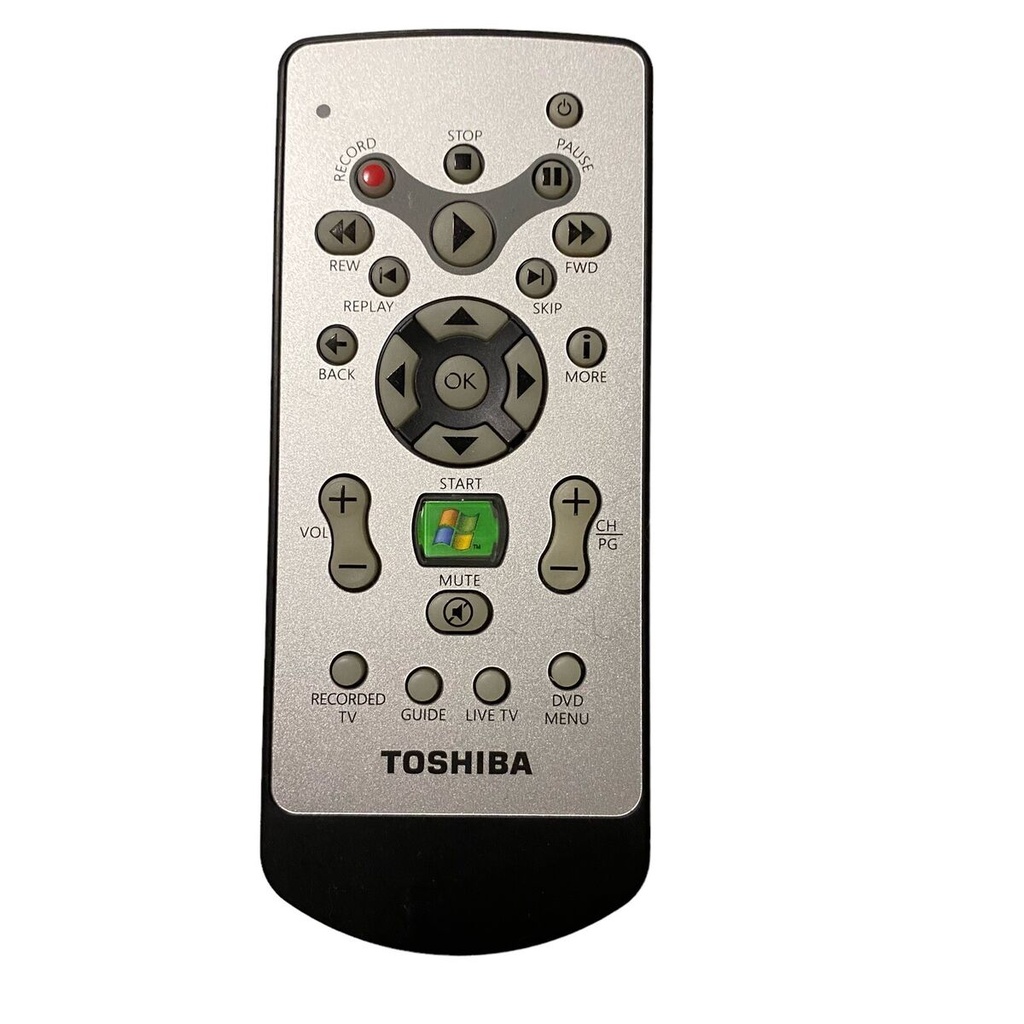
Toshiba Original Media Center Remote Control - G83C0004D110

Looking to make your own home media center using your Raspberry Pi? This IR remote control along with a GPIO-based IR receiver plugs into a Raspberry Pi B or B+ and allows you to control all standard RaspBMC media functions.

Package Includes:

Toshiba Original Media Center Remote Control - G83C0004D110

93.45 AED 93.45 AED (Tax included)

Terms and Conditions
30-day money-back guarantee
Shipping: 2-3 Business Days

Features

  • Handheld, high-quality IR remote controller
  • GPIO TSOP IR receiver
  • Includes:
    • Handheld IR remote control
    • GPIO IR Receiver
    • CR2032/CR2025 coin battery for remote control

Tutorial: How to install the IR remote control on the Raspberry Pi

  1. Plug the TSOP-based IR receiver into the Raspberry Pi B/B+'s GPIO pin header.
  2. Go to the "Programs" tab in the RaspBMC main menu. Click on "RaspBMC Settings" to open the settings page.
  3. Click on the "IR Remote" tab to access the remote controller settings.
  4. Select the "Enable GPIO TSOP IR receiver" option to enable the remote.
  5. Under GPIO IR Remote profile, select "MCE RC6 Remote" as the type of remote.
  6. Click OK to save all settings. RaspBMC will prompt you to restart the system to apply the new settings.
  7. Once you restart the system, your media center remote control will be ready to use.