How It Works
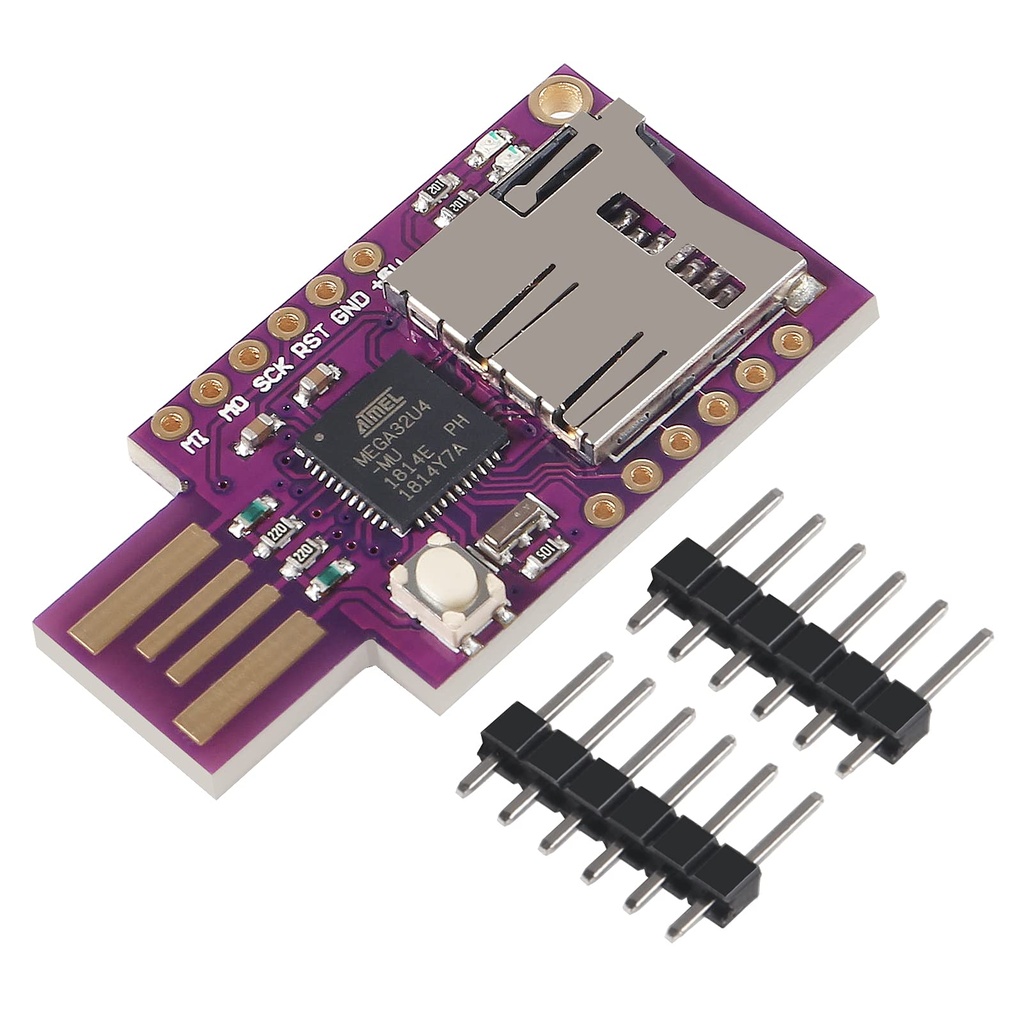
A USB device contains a microcontroller with firmware that defines its behavior. By modifying this firmware a device that appears to be a simple storage device can instead behave like a keyboard. When connected to a computer, it can automatically type commands without user interaction.
Because the behavior is defined at the firmware level standard antivirus software cannot inspect or scan the internal code running on the USB device. This makes detection difficult using traditional security tools.
Educational Purpose
This module is commonly used for educational demonstrations penetration testing labs and security awareness training. It helps users understand the importance of device trust and USB security risks.
Concepts Demonstrated
- USB device identification
- Human Interface Device behavior
- Firmware based device control
- Keyboard emulation over USB
- Computer trust model limitations
Use Cases
- Learning USB protocol fundamentals
- Cyber security education and training
- Demonstrating USB attack surfaces
- Virtual keyboard projects
- Automation testing
Additional Information
Public research presentations and conference talks explain the technical background of this vulnerability in detail. Educational videos are also available online which demonstrate how such devices operate. Some videos may be presented in other languages but include subtitles.
How It Works
A USB device contains a microcontroller with firmware that defines its behavior. By modifying this firmware a device that appears to be a simple storage device can instead behave like a keyboard. When connected to a computer, it can automatically type commands without user interaction.
Because the behavior is defined at the firmware level standard antivirus software cannot inspect or scan the internal code running on the USB device. This makes detection difficult using traditional security tools.
Educational Purpose
This module is commonly used for educational demonstrations penetration testing labs and security awareness training. It helps users understand the importance of device trust and USB security risks.
Concepts Demonstrated
- USB device identification
- Human Interface Device behavior
- Firmware based device control
- Keyboard emulation over USB
- Computer trust model limitations
Use Cases
- Learning USB protocol fundamentals
- Cyber security education and training
- Demonstrating USB attack surfaces
- Virtual keyboard projects
- Automation testing
Additional Information
Public research presentations and conference talks explain the technical background of this vulnerability in detail. Educational videos are also available online which demonstrate how such devices operate. Some videos may be presented in other languages but include subtitles.